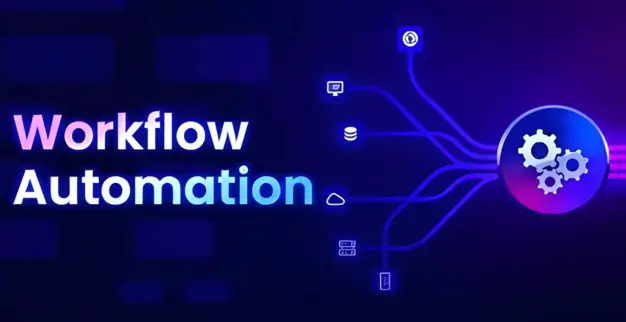
HR departments manage multiple repetitive tasks every day, including reviewing job applications, processing employee documents, handling payroll activities, and onboarding new employees. As businesses grow, these manual processes become increasingly time-consuming and often lead to delays and errors.
UiPath Workflow Automation helps organizations streamline HR operations by automating repetitive processes and creating structured workflows that run continuously. Tasks such as employee data entry, document approvals, onboarding activities, and payroll preparation can be completed automatically with minimal manual intervention.
Organizations looking to improve operational efficiency and reduce administrative costs can leverage Robotic Process Automation (RPA) to replace outdated manual processes with faster, more accurate, and scalable digital workflows.
What Is UiPath Workflow Automation?
UiPath Workflow Automation is a Robotic Process Automation (RPA) solution that enables businesses to automate rule-based processes across multiple applications and systems. Using a visual drag-and-drop interface, organizations can build workflows that perform tasks similarly to human users without requiring extensive coding knowledge.
Workflows created with UiPath can interact with:
Human Resource Management (HRM) Systems
Payroll Management Platforms
Enterprise Resource Planning (ERP) Systems
Customer Relationship Management (CRM) Software
Email Applications
Web-Based Platforms
Databases
Microsoft Excel Files
By automating repetitive business processes, organizations can save time, improve compliance, increase productivity, and reduce human errors.
Why HR Departments Need Workflow Automation
HR teams often spend significant time performing repetitive administrative tasks. These activities consume valuable resources that could otherwise be used for strategic workforce management and employee engagement initiatives.
Common HR challenges include:
Manual resume screening
Employee data entry
Payroll processing
Leave management
Compliance reporting
Employee onboarding
Approval workflows
With UiPath Automation, HR departments can automate these tasks to improve accuracy, consistency, and operational efficiency while reducing manual workloads.
How UiPath Workflow Automation Works
UiPath Workflow Automation uses predefined sequences of actions to automate complete business processes from start to finish.
Consider a new employee onboarding workflow:
Receive employee information from HR.
Create employee records in HR systems.
Generate employee identification numbers.
Prepare and distribute onboarding documents.
Create employee email accounts.
Notify department managers.
Schedule orientation sessions.
Instead of multiple departments manually handling these activities, a structured UiPath workflow completes the entire process automatically, reducing delays and eliminating common errors.
Ways to Automate Human Resource Processes Using UiPath
1. Automation of Recruitment
Recruitment teams often receive hundreds of applications for a single vacancy. UiPath can automate candidate data extraction, resume screening, and applicant categorization based on predefined criteria.
Benefits of Recruitment Automation:
Faster candidate screening
Improved response times
Reduced manual effort
Higher hiring efficiency
2. Automation of Employee Onboarding
Employee onboarding involves multiple repetitive tasks such as collecting documents, creating user accounts, assigning training programs, and distributing company policies.
UiPath can automate:
Document verification
HR system updates
User account creation
Welcome email distribution
Compliance document collection
Automated onboarding creates a smoother experience for both HR teams and new employees.
3. Automation of Payroll Processing
Payroll requires accurate calculations, validation, reporting, and compliance management. UiPath workflows can automate payroll preparation by collecting employee data, validating records, and generating reports.
Benefits of Payroll Automation:
Improved payroll accuracy
Faster payroll processing
Enhanced regulatory compliance
Reduced manual errors
4. Automation of Employee Data Management
HR teams regularly update employee records to reflect promotions, department transfers, salary adjustments, and policy changes.
UiPath can automate updates across multiple HR systems, ensuring data consistency while reducing administrative workloads.
Real Business Example:
A growing company in the UAE faced challenges managing employee onboarding and training records. HR staff spent several hours each week manually processing employee information and creating user accounts.
After implementing a UiPath automation solution, the company automated employee record creation, onboarding workflows, and account provisioning. As a result, onboarding times were significantly reduced, employee satisfaction improved, and overall productivity increased.
This example demonstrates how organizations can achieve measurable operational improvements through workflow automation.
Frequently Asked Questions
1. Can UiPath automate employee onboarding?
Yes. UiPath can automate document processing, account creation, approval workflows, email notifications, and other onboarding activities.
2. Is UiPath suitable for small businesses?
Yes. Businesses of all sizes can use UiPath to automate repetitive processes and improve operational efficiency.
3. Can UiPath integrate with existing HR software?
Yes. UiPath integrates with many HR platforms, ERP systems, databases, and third-party applications.
4. Do I need coding skills to use UiPath?
No. UiPath provides a visual drag-and-drop interface that allows users to build workflows without extensive programming knowledge.
5. Is business data secure with UiPath?
Yes. UiPath includes enterprise-grade security controls that help organizations maintain compliance and protect sensitive information.
Conclusion
Digital transformation continues to reshape modern business operations, making workflow automation an essential component of organizational growth. UiPath Workflow Automation enables HR departments to automate repetitive processes, improve operational accuracy, and increase overall productivity.
From recruitment and onboarding to payroll processing and employee data management, automation helps businesses reduce manual effort while creating faster and more reliable workflows.
Organizations investing in UiPath RPA solutions today are better positioned to improve efficiency, support business growth, and build a more agile workforce for the future.
Learn how Multi-Factor Authentication strengthens business security, protects accounts from credential-based attacks, and supports secure access across business applications and systems.
Learn why API Penetration Testing matters, common API vulnerabilities, testing methods, security risks, and the benefits of regular API security testing.
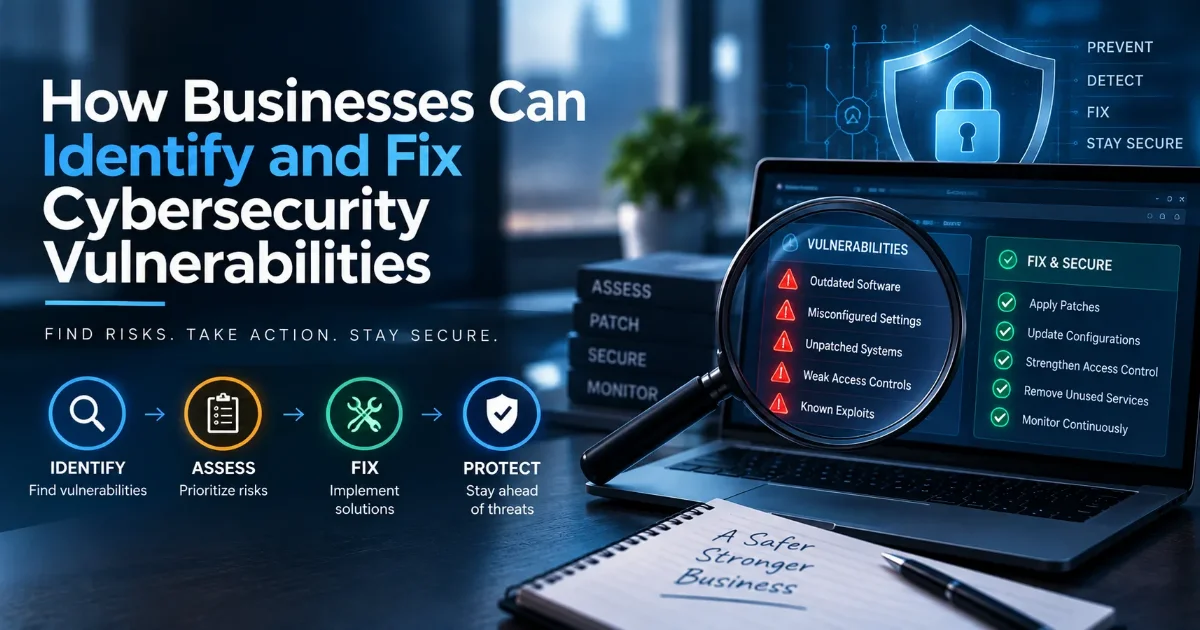
Learn how businesses can identify, assess, prioritize, and fix cybersecurity vulnerabilities through vulnerability assessment and continuous vulnerability management.