How Multi-Factor Authentication Strengthens Business Security
By: Ganesan D
24 Sep 2026
Category:
Cyber Security
Introduction
Businesses increasingly rely on cloud applications, remote access, SaaS platforms, email services, and digital systems to support their daily operations. As more business resources become accessible online, protecting user accounts has become an important part of cybersecurity.
Passwords have traditionally been the primary method of authentication, but password-based security can be weakened by phishing, credential theft, password reuse, and other attacks.
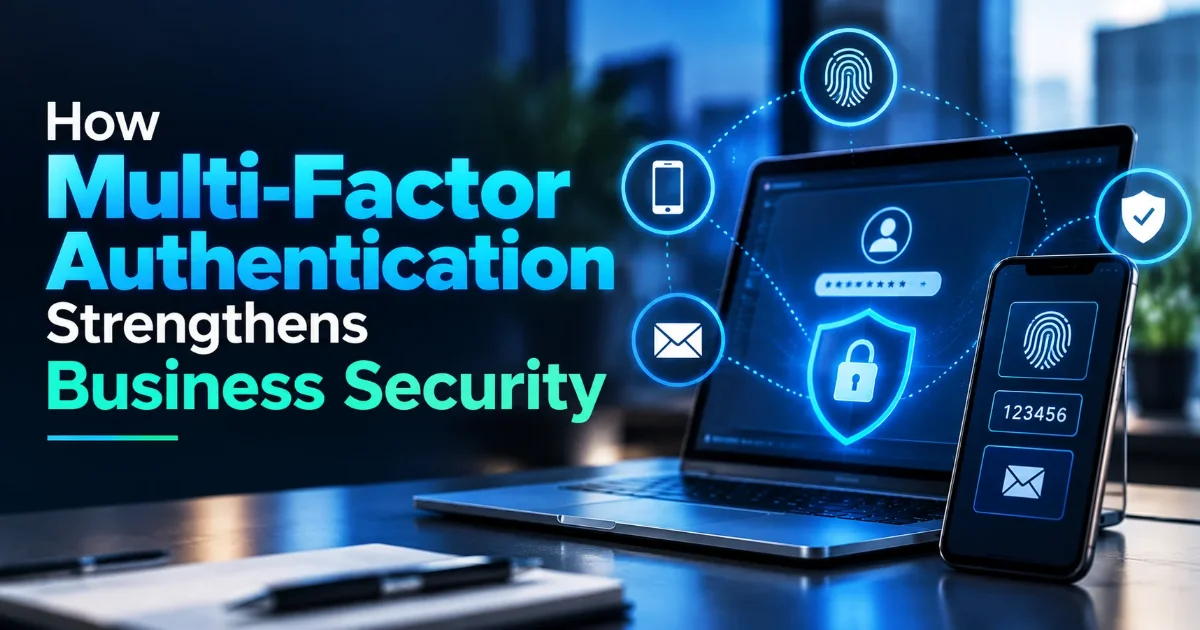
Multi-Factor Authentication (MFA) adds an additional layer of verification by requiring users to provide more than one form of authentication before gaining access to a protected account or system.
For organizations looking to strengthen identity security, multi-factor authentication for businesses can reduce reliance on passwords and make unauthorized account access more difficult.
What Is Multi-Factor Authentication?
Multi-Factor Authentication requires users to verify their identity using two or more different authentication factors.
These factors generally fall into three categories:
✔ Something you know – Password or PIN
✔ Something you have – Security key, smartphone, or authentication device
✔ Something you are – Fingerprint, facial recognition, or another biometric factor
For example, a user may enter a password and then approve a login using an authentication application.
By combining multiple authentication factors, MFA security provides an additional security layer beyond the password itself.
Why Passwords Aren't Enough
Passwords remain widely used, but they can be exposed through several attack methods.
Common risks include:
✔ Phishing attacks
✔ Credential theft
✔ Password reuse
✔ Brute-force attacks
✔ Credential stuffing
✔ Weak or predictable passwords
✔ Password database breaches
If an attacker obtains a user's password, password-only authentication may provide little resistance to account takeover.
MFA introduces an additional verification requirement. Even if a password is compromised, the attacker may still need another authentication factor to access the account.
MFA does not eliminate all account-security risks, but it can significantly strengthen authentication when implemented appropriately.
MFA Methods
Organizations can choose from several authentication methods depending on their security requirements and technology environment.
Authentication Apps
Authenticator applications generate temporary verification codes or provide login approval notifications.
Hardware Security Keys
Physical security keys can provide strong authentication and are particularly useful for protecting privileged or high-value accounts.
Biometrics
Fingerprint or facial recognition can be used as an additional authentication factor on supported devices.
Push Notifications
Users can approve authentication requests through a trusted mobile device.
SMS-Based Authentication
One-time codes can be sent through SMS. However, organizations should carefully consider the security limitations of SMS-based authentication and use stronger methods where appropriate.
The appropriate MFA method depends on factors such as risk level, user requirements, existing infrastructure, and organizational policies.
Business Use Cases
Business MFA can be implemented across many areas of an organization's technology environment.
Common use cases include:
✔ Microsoft 365 and business email
✔ Cloud applications
✔ VPN and remote access
✔ Administrative accounts
✔ SaaS platforms
✔ Financial applications
✔ Customer portals
✔ Privileged accounts
✔ Remote workforce access
Organizations should prioritize accounts and systems that provide access to sensitive information or critical business functions.
MFA Implementation Best Practices
Implementing MFA effectively requires more than simply enabling a feature.
Organizations should consider the following MFA best practices:
1. Prioritize High-Risk Accounts
Start with administrators, privileged users, remote-access accounts, and accounts containing sensitive information.
2. Use Strong Authentication Methods
Where possible, consider phishing-resistant authentication methods and hardware security keys for high-risk accounts.
3. Apply MFA Consistently
MFA should be implemented across critical applications and services rather than protecting only one part of the environment.
4. Establish Recovery Procedures
Organizations should define secure account-recovery processes for situations where users lose access to their authentication device.
5. Educate Employees
Employees should understand why MFA is required and how to recognize suspicious authentication requests or unexpected login prompts.
6. Monitor Authentication Activity
Security teams should monitor unusual login patterns, repeated authentication failures, unfamiliar locations, and other suspicious account activity.
7. Review MFA Policies Regularly
As business systems and threats change, organizations should periodically review their authentication policies and update MFA configurations where necessary.
Conclusion
Passwords alone may not provide sufficient protection for modern business environments. Phishing, credential theft, password reuse, and other attacks can expose user credentials and increase the risk of unauthorized access.
Multi-Factor Authentication for businesses provides an additional layer of identity verification by requiring users to provide multiple authentication factors.
From authentication applications and security keys to biometrics and push notifications, businesses can select MFA methods that align with their security requirements.
By following effective MFA best practices, prioritizing high-risk accounts, educating employees, monitoring authentication activity, and regularly reviewing policies, organizations can strengthen identity security and reduce the risk associated with compromised credentials.