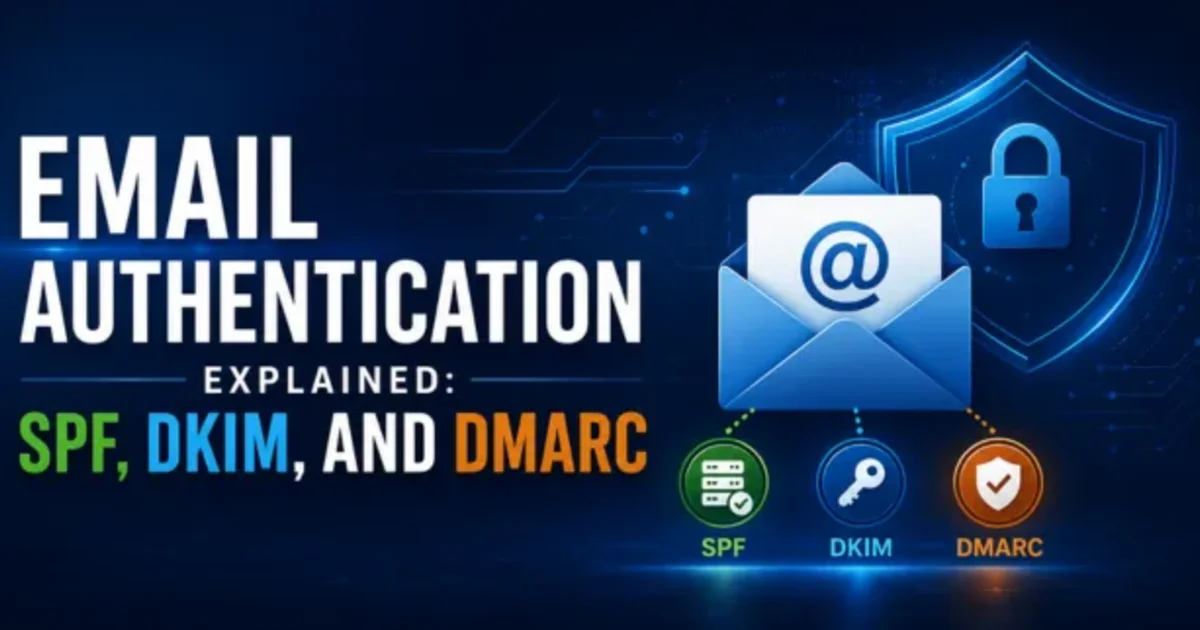
Email Authentication Explained: SPF, DKIM, and DMARC
By: Ganesan D
5 Sep 2026
Category:
Cyber Security
Introduction
Email is one of the most important communication channels for modern businesses, but it is also frequently targeted by cybercriminals. Attackers can impersonate trusted companies, forge sender addresses, and use phishing emails to steal credentials or sensitive information.
Email Authentication helps businesses verify whether an email is genuinely authorized to use a particular domain. SPF, DKIM, and DMARC are three important email authentication standards that work together to reduce domain spoofing, phishing, and email fraud.
What is Email Authentication?
Email Authentication is a set of technical methods used to verify the legitimacy of email messages and confirm that they are authorized to be sent from a particular domain.
The three main technologies are:
-
SPF – verifies authorized sending servers
-
DKIM – verifies that an email has not been improperly modified
-
DMARC – uses SPF and DKIM results to determine how receiving servers should handle suspicious messages
Together, they provide stronger Email Security and help protect a business's domain reputation.
SPF
Sender Policy Framework (SPF) allows a domain owner to specify which mail servers are authorized to send emails on behalf of the domain.
How SPF Works
-
The domain owner publishes an SPF record in DNS
-
The record lists authorized sending servers or services
-
The receiving mail server checks the sender against the SPF record
-
The message receives an SPF result based on whether the sending server is authorized
Why SPF Matters
SPF can help reduce domain spoofing and prevent unauthorized servers from sending emails that appear to come from your business domain.
However, SPF alone does not provide complete email protection, which is why DKIM and DMARC are also important.
DKIM
DomainKeys Identified Mail (DKIM) adds a digital signature to outgoing emails. The receiving server can use this signature to verify that the message was authorized by the sending domain and that important parts of the message have not been altered.
How DKIM Works
-
The sending mail server adds a DKIM signature
-
The corresponding public key is published through DNS
-
The receiving server retrieves the public key
-
The signature is validated against the message
Benefits of DKIM
-
Helps verify email authenticity
-
Helps detect unauthorized message modification
-
Strengthens domain reputation
-
Supports protection against email spoofing
DMARC
Domain-based Message Authentication, Reporting, and Conformance (DMARC) builds on SPF and DKIM.
DMARC allows domain owners to specify what receiving mail servers should do when an email fails authentication checks.
DMARC Policies
-
None (p=none): Monitor authentication results without requesting message rejection or quarantine
-
Quarantine (p=quarantine): Ask receiving servers to treat failing messages as suspicious
-
Reject (p=reject): Ask receiving servers to reject messages that fail DMARC requirements
DMARC also provides reporting capabilities that can help businesses understand who is sending email using their domain.
Setup Guide
A successful DMARC Implementation should be planned carefully.
Step 1: Identify Sending Sources
List all legitimate services that send emails using your business domain, including email platforms, CRM systems, marketing tools, and other third-party services.
Step 2: Configure SPF
Create an SPF DNS record containing the authorized email-sending services for your domain.
Step 3: Configure DKIM
Enable DKIM signing with your email provider and publish the required public key in DNS.
Step 4: Deploy DMARC Monitoring
Start with a monitoring policy such as p=none to review authentication results and identify legitimate or unauthorized sending sources.
Step 5: Analyze Reports
Review DMARC reports regularly and correct SPF, DKIM, or domain-alignment issues.
Step 6: Strengthen the Policy
Once legitimate email sources are properly configured, consider moving toward quarantine or reject policies based on your organization's requirements.
Benefits
Implementing SPF, DKIM, and DMARC together provides several advantages.
-
Reduces domain spoofing
-
Helps protect against phishing and email fraud
-
Improves email trust and authentication
-
Protects business domain reputation
-
Provides visibility into email-sending sources
-
Helps reduce unauthorized use of company domains
-
Strengthens overall Email Security
-
Supports a more proactive cybersecurity strategy
Conclusion
SPF, DKIM, and DMARC are complementary technologies that form an important part of modern Email Authentication. SPF identifies authorized sending servers, DKIM validates email signatures, and DMARC provides policy enforcement and reporting based on authentication results.
Businesses should implement all three technologies and regularly review their configurations and authentication reports. A properly planned DMARC Implementation can significantly strengthen email security and help protect customers, employees, and business domains from spoofing and phishing threats.