How to Choose the Right CCTV Camera for Indoor and Outdoor Areas
By: Ganesan D
10 Oct 2026
Category:
Cyber Security
Introduction
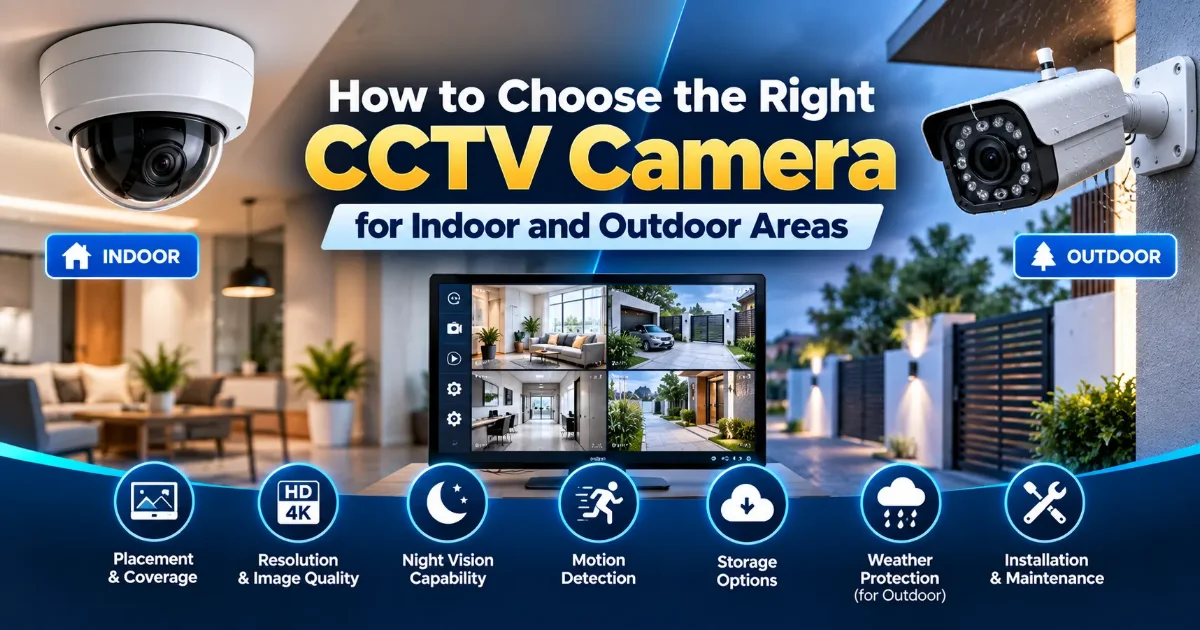
Choosing the right CCTV camera depends on where it will be installed, what needs to be monitored, and the level of security required. Indoor and outdoor cameras are designed for different environments, and selecting the wrong type can affect image quality, durability, and overall security.
From indoor CCTV cameras for offices and homes to weather-resistant outdoor cameras for entrances and parking areas, businesses and homeowners should consider several factors before installation.
Indoor vs Outdoor CCTV Cameras
Indoor cameras are designed for controlled environments such as offices, homes, shops, corridors, and reception areas. They generally do not require the same level of protection against rain, dust, or temperature changes as outdoor cameras.
Outdoor cameras are designed to withstand environmental conditions and are suitable for entrances, parking areas, building perimeters, warehouses, and outdoor pathways.
Outdoor cameras should have appropriate weather and dust protection for the installation environment. Always check the camera's specifications before choosing a model for outdoor use.
Choose the Right Camera Placement
Camera placement is one of the most important factors when planning a CCTV surveillance system. Proper positioning helps improve coverage and reduce blind spots.
For indoor areas, consider installing cameras to monitor:
-
Entry and exit points
-
Reception areas
-
Corridors and common areas
-
Storage rooms
-
Important workspaces
For outdoor areas, consider monitoring:
-
Main entrances
-
Parking areas
-
Gates and access points
-
Building perimeters
-
Loading and delivery areas
Cameras should be positioned to provide useful coverage while avoiding unnecessary blind spots. Consider the camera's viewing angle, mounting height, lighting conditions, and the areas that require the most attention.
Check Weather and Dust Protection
Outdoor CCTV cameras need protection against rain, dust, humidity, and temperature variations. Choosing a camera without suitable environmental protection may affect its reliability and service life.
When selecting an outdoor camera, check its IP rating and suitability for the local environment. A weather-resistant camera can provide more reliable operation in challenging outdoor conditions.
Indoor cameras generally do not require the same level of environmental protection. However, cameras installed in dusty, humid, or other demanding indoor environments may need additional protection.
Consider Resolution and Image Quality
Camera resolution affects the level of detail captured in surveillance footage. Higher resolution can provide clearer images, particularly when monitoring people, vehicles, and objects across a viewing area.
Before choosing a CCTV camera, consider:
-
The size of the area being monitored
-
The distance between the camera and the subject
-
The lighting conditions during the day and night
-
The level of detail required for identification
-
Available network bandwidth and storage capacity
For entrances, vehicle gates, and other security-sensitive locations, image clarity may be particularly important. Select a resolution that meets the monitoring requirements rather than choosing a camera based on resolution alone.
Look for Motion Detection and Smart Features
Motion detection helps CCTV cameras identify movement and trigger recording or alerts. Depending on the camera and surveillance system, additional intelligent features may also be available.
Common features include:
-
Motion-based recording
-
Mobile notifications
-
Person detection
-
Vehicle detection
-
Configurable activity zones
-
Night vision and low-light monitoring
Motion-based features can reduce unnecessary recordings and help security teams focus on relevant events. Their effectiveness depends on camera capabilities, configuration, lighting, and the surrounding environment.
Select the Right CCTV Storage Option
CCTV footage can be stored using different methods, depending on the camera type, system design, recording requirements, and available infrastructure.
Common CCTV storage options include:
-
NVR storage: Network Video Recorders are commonly used with IP cameras.
-
DVR storage: Digital Video Recorders are commonly used with compatible analog camera systems.
-
Memory cards: Some cameras support local recording using an onboard memory card.
-
Cloud storage: Supported cameras can upload footage to a cloud-based storage service.
Businesses with multiple cameras may benefit from centralized NVR or Video Management System (VMS) storage, while simple home systems may use local or cloud storage.
Storage capacity should be selected based on the number of cameras, video resolution, frame rate, recording mode, and required retention period. Businesses should also protect stored footage with appropriate access controls and security measures.
Professional CCTV Installation vs DIY Setup
A Do-It-Yourself (DIY) home security camera setup can be suitable for simple residential requirements where only a few cameras are needed.
Professional CCTV installation may be preferable when the system involves multiple cameras, structured cabling, NVRs, access control, larger properties, or specific security and compliance requirements.
Professional installers can help with:
-
Camera placement and coverage planning
-
Structured cabling and network configuration
-
NVR and VMS setup
-
Storage planning and recording configuration
-
System testing and troubleshooting
-
Integration with other security systems
For commercial premises, professional planning can help improve surveillance coverage, system reliability, and alignment with applicable security requirements.
CCTV Camera Selection Checklist
Before purchasing a CCTV camera, review the following factors to ensure that the selected system meets your security requirements.
-
Identify whether the camera will be installed indoors or outdoors.
-
Determine the areas that need monitoring.
-
Check the required resolution and viewing angle.
-
Verify weather and dust protection for outdoor installations.
-
Review night vision and low-light capabilities.
-
Compare motion detection and smart monitoring features.
-
Select suitable recording and storage options.
-
Evaluate installation, network, and maintenance requirements.
-
Check applicable security and compliance requirements.
Conclusion
Choosing between indoor and outdoor CCTV cameras requires careful consideration of the installation environment, camera placement, weather protection, image quality, motion detection, storage, and installation requirements.
For simple home monitoring, a DIY solution may be sufficient. For businesses, larger properties, or security-critical environments, professional CCTV planning and installation can provide better coverage, reliability, and system management.
Need Professional CCTV Installation?
Choosing the right CCTV system is an important step in protecting your premises, employees, assets, and visitors. Agan Cyber Security LLC helps businesses identify suitable CCTV solutions based on their security requirements, installation environment, and surveillance objectives.
Contact us today to discuss your CCTV security requirements.